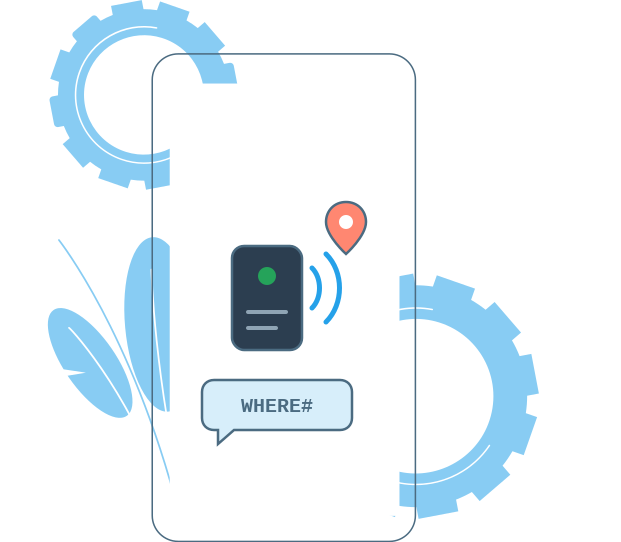
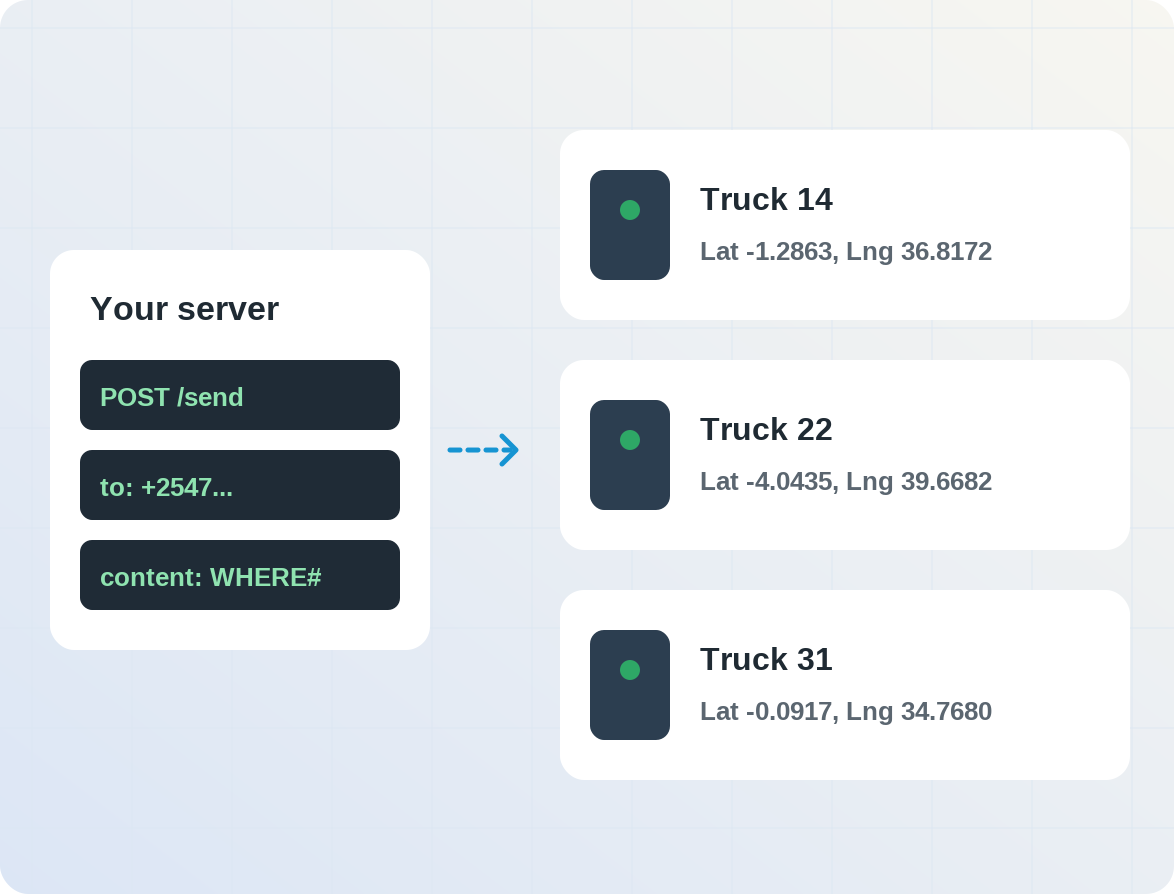
Send commands from your system
Use the REST API to send setup and control commands to devices by SMS, such as setting a reporting interval, requesting a location, or stopping an engine. Send to one device or thousands at once.
Receive reports and alerts in real time
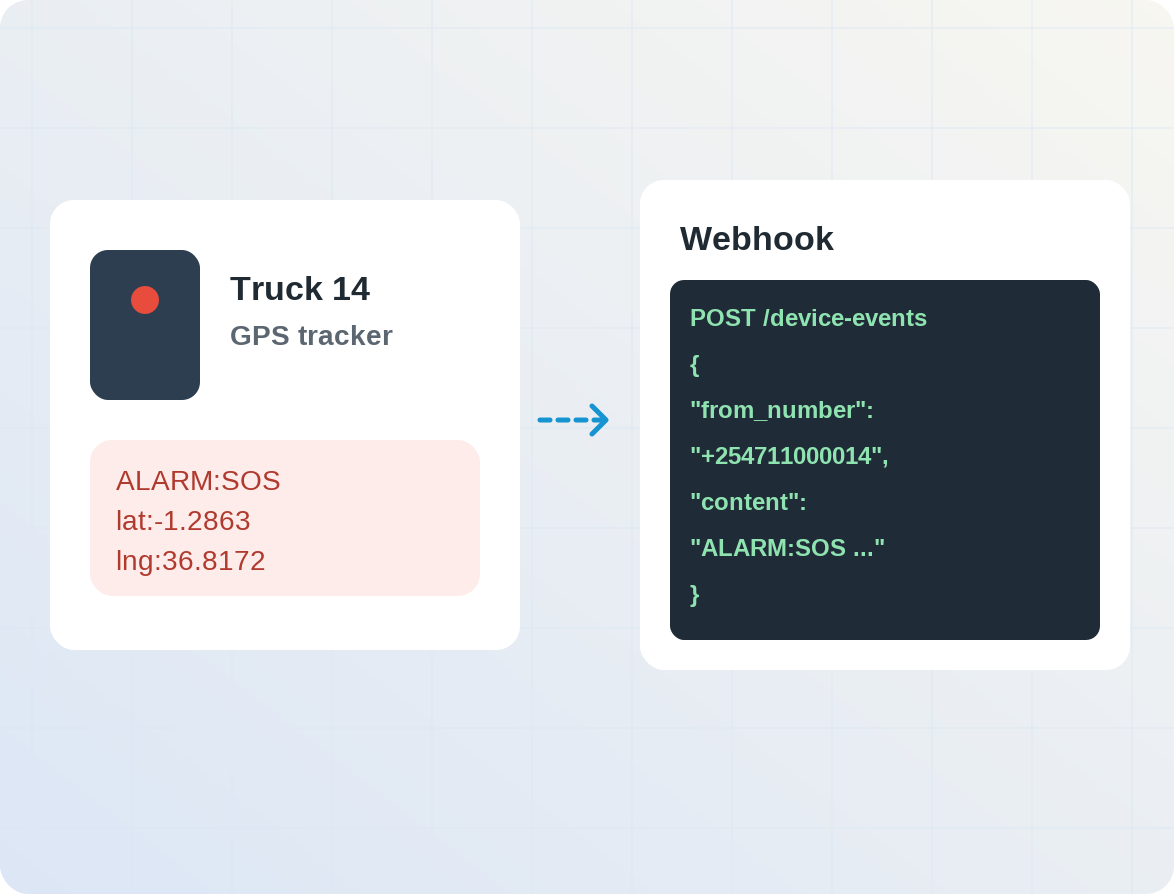
When a device texts a location, status report or alarm, Telerivet sends it to your server with the Webhook API as it arrives, along with the device's phone number.
Read device messages without writing code
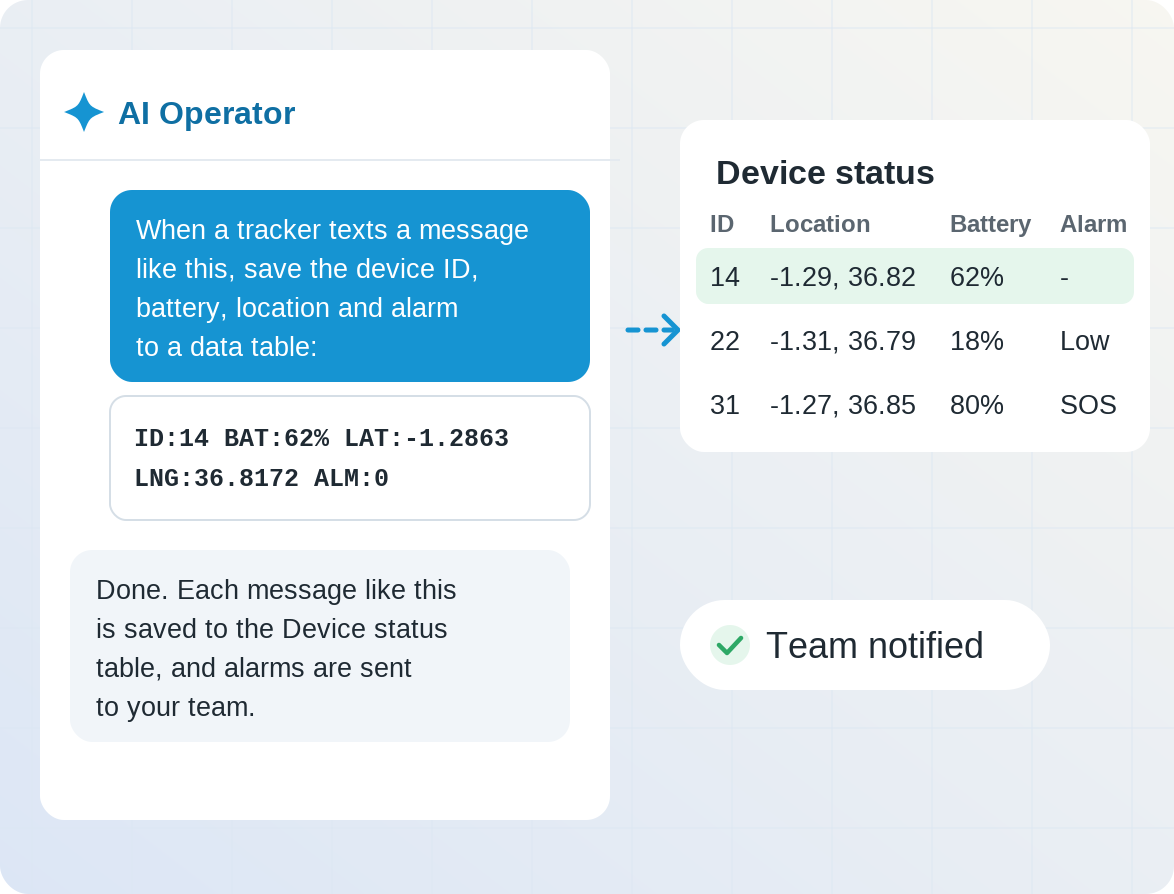
Paste an example device message into AI Operator, and it can build a service that saves data points such as coordinates, battery level or alarm type from each message to a data table, and notifies your team about alarms.
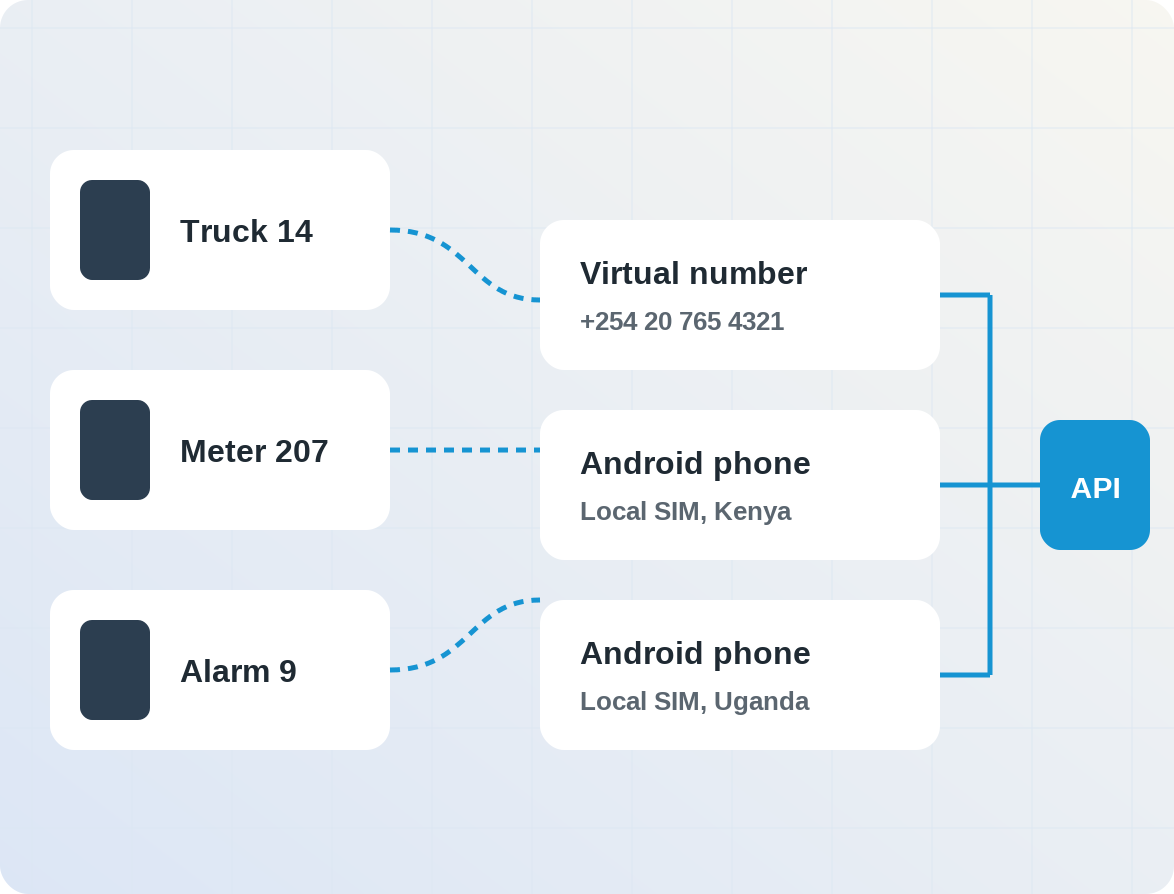
Local SIMs in any country
Send and receive device messages with virtual numbers, connections to local providers, or Android phones with local SIM cards, so devices can text a local number and commands arrive reliably.
Get started
Frequently asked questions
Which devices does Telerivet work with?
Any GPS tracker, IoT or M2M device that sends or receives commands and reports by SMS, such as vehicle trackers, smart meters, alarm panels and remote sensors. Telerivet sends and receives the messages, and your system or an automated service decides what to do with them.
Do devices need an internet connection?
No. Devices only need a SIM card and mobile network signal, since SMS doesn't use mobile data. That makes SMS useful for devices in places with weak or no data coverage, for devices without a data plan, and as a backup channel for devices that normally report over the internet.
How do I send commands to a device?
Send an SMS to the device's phone number with the REST API, or from the Telerivet web app. The command text depends on the device model, for example a command to request the current location.
How do device messages reach my server?
The Webhook API sends each incoming message to your server in real time, including the device's phone number and the message text.
Can I use my own SIM cards?
Yes. The Telerivet Gateway app turns an Android phone with a local SIM card into an SMS gateway, which is useful where devices need to text a local number.
Can I send commands to many devices at once?
Yes. Send a command to a group of devices from the web app or the REST API. Using several numbers or Android phones increases how many messages you can send at once.
How much does it cost?
You pay for your Telerivet plan plus message costs, which depend on the country and route. See Pricing.
When sending messages via an Android phone with the Telerivet Gateway app, messages are sent from your own SIM card and your mobile network will charge for them the same as if you sent the messages directly from the Android phone.
More for developers and operations
Fleet management, logistics and IoT companies use Telerivet to talk to their devices.