Drip campaigns timed for each person
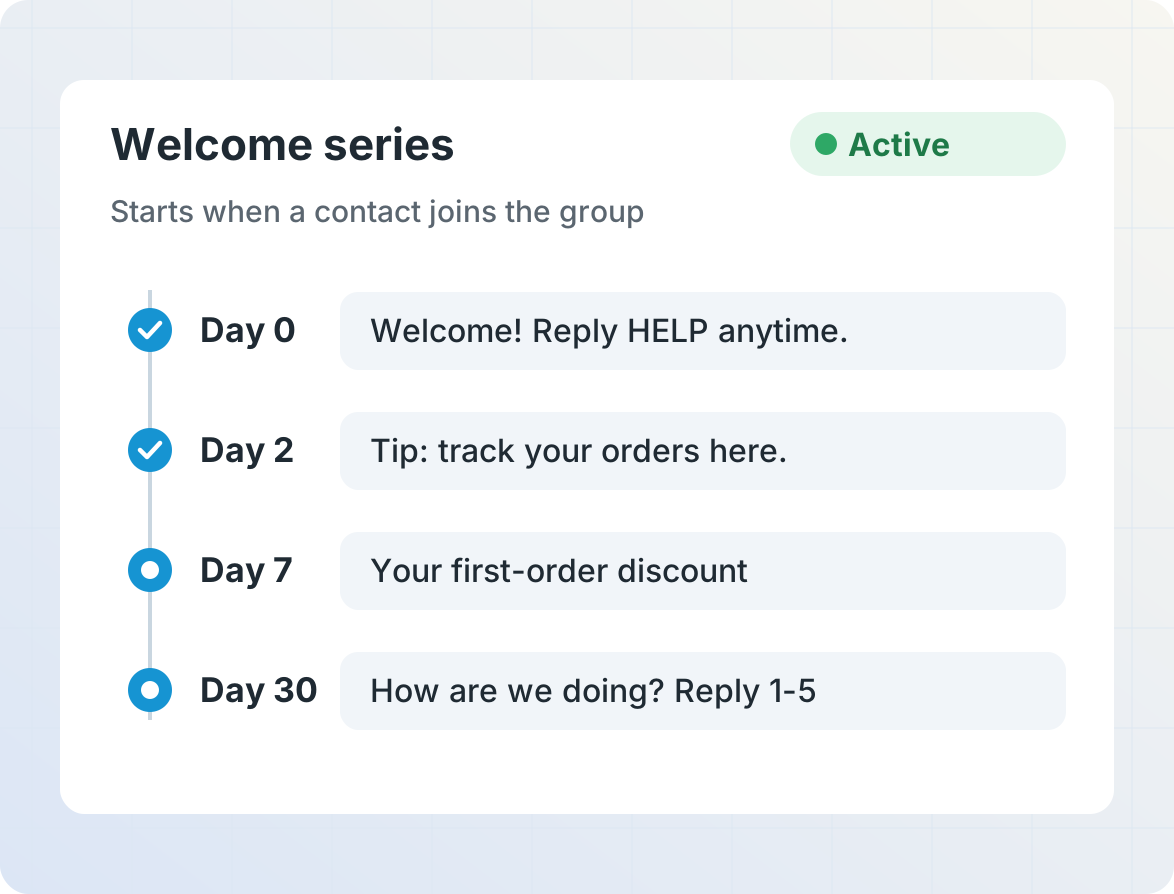
Schedule a sequence of messages to send minutes, days or weeks after each contact signs up or is added to a group. New contacts start at the beginning, so everyone gets the whole series at the right pace.

Nurture leads until they're ready
Send a short series over a few weeks when someone enquires about a product or service: answers to common questions, stories from past customers, and an invitation to take the next step. Set up a different series for each product or each place leads come from, so every lead gets the information that matters to them.
React to replies and clicks
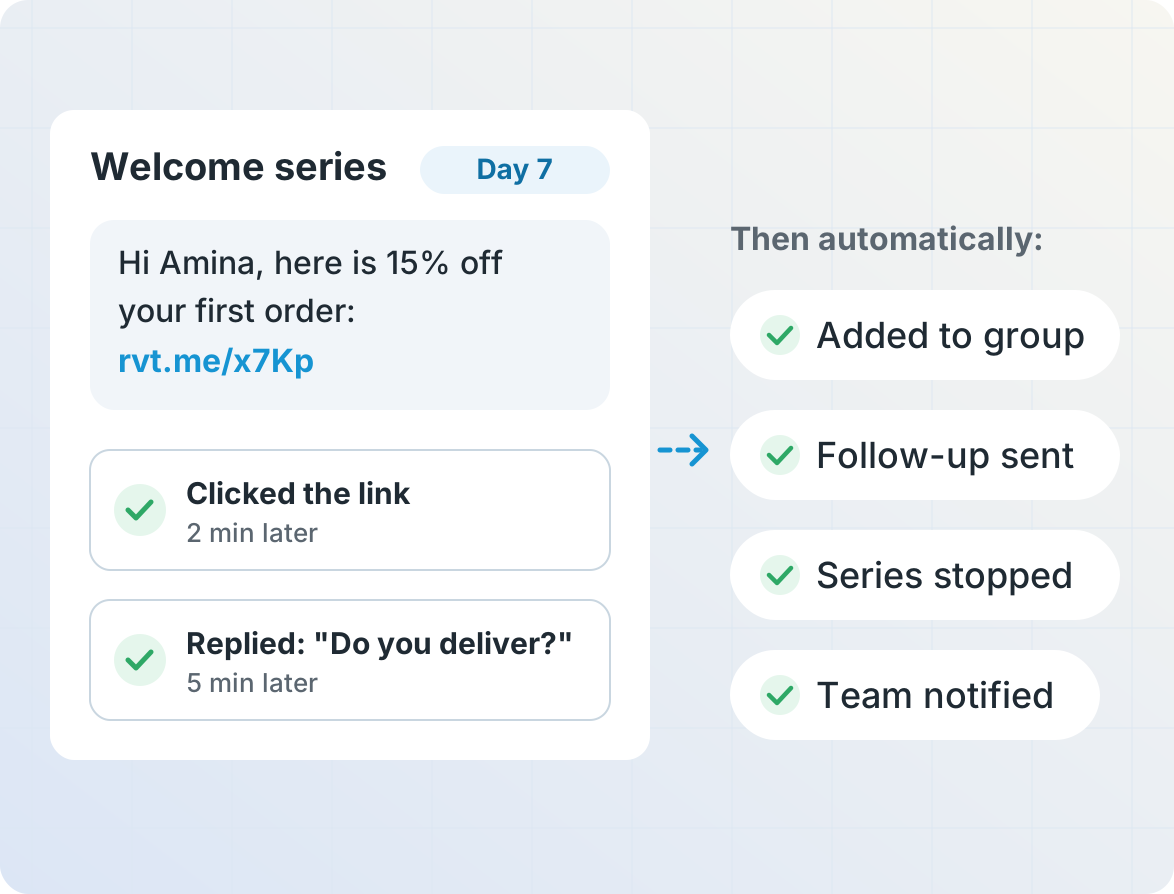
When someone replies or clicks a link, move them to another group, send a follow-up, stop the rest of the series, or notify your team so a person can follow up.

Send win-back offers and birthday messages
Bring back customers who haven't ordered in a while with a targeted offer, and greet each contact on their birthday or anniversary with a personal message and promo code.
Build with AI, improve with A/B tests
Describe the series you want to AI Operator, and it drafts the campaign for you to review before it starts. Then test different versions of any message with message variants: each contact gets one version at random, and you can compare delivery, response and click rates to see which version works best.

Get started
Frequently asked questions
What is a drip campaign?
A drip campaign is a series of messages sent automatically over time, for example a welcome message, tips a few days later and an offer after a week. Each contact gets the series from the date they joined.
How many messages can a campaign send?
A relative campaign can include up to 20 scheduled messages or automated services, each sent a number of minutes, days, weeks or months before or after a date stored for each contact.
Can a series start automatically when someone signs up?
Yes. The start date can be set automatically when a contact is added to a group. This can happen when they text a keyword to subscribe, when they are added via API from your website or app, or when their phone number is imported from a spreadsheet.
Can people stop the messages?
Yes. You can configure an Opt-In/Opt-Out Keywords service so that contacts can reply STOP to opt out of all messages. You can also stop the rest of a series when someone replies or clicks a link.
Can I send automated messages on WhatsApp?
Yes. Automated WhatsApp messages use marketing templates approved by WhatsApp. People without WhatsApp can get the message by SMS instead.
Can I send reminders before an appointment or due date?
Yes. The same campaigns can send messages before or after a date stored for each contact, such as an appointment or a payment due date, and repeat messages every day, week or month. See appointment and payment reminders.
Can AI build the campaign for me?
Yes. Describe the campaign you want, and AI Operator drafts it in the campaign editor for you to review before it goes live.
More for marketing and customer engagement
Businesses and organizations use Telerivet to keep in touch with customers automatically.