
Reach everyone, even without internet
Send updates by SMS to any mobile phone, by WhatsApp where staff have smartphones, or as voice calls. Organize staff into groups by team, region or role, and send each group only what it needs.
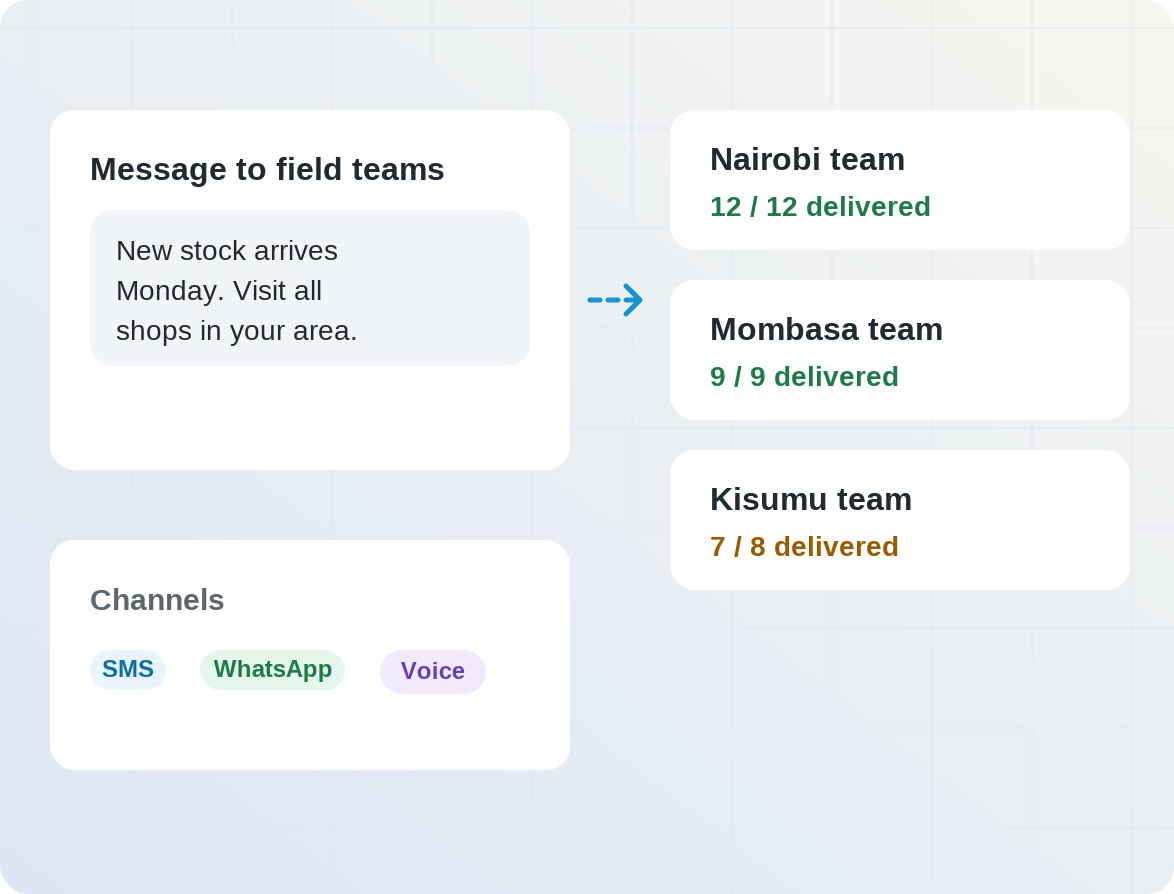
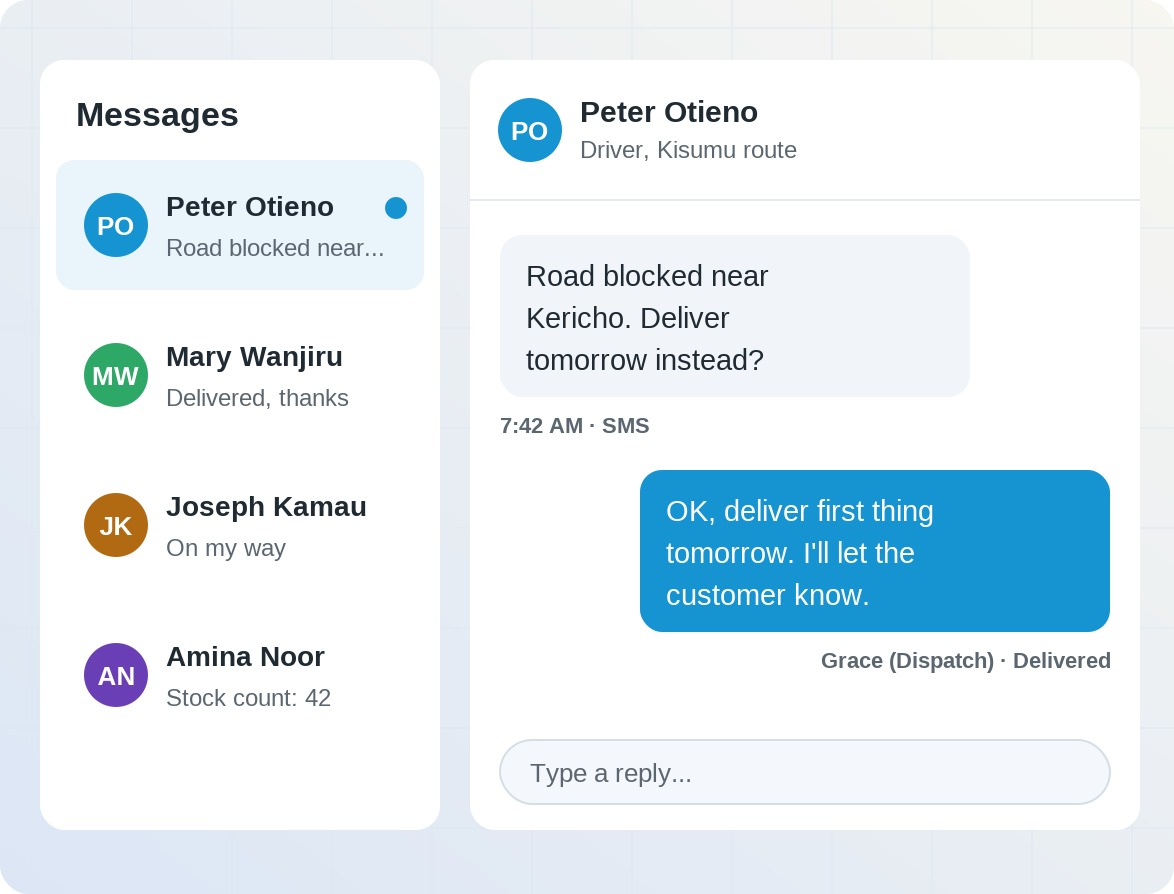
Text with each team member
Not every message is an announcement. When a field team member texts back with a question or a problem, your office team can reply from the Telerivet web app, with the whole conversation history with that person in one place. Multiple people in your office team can share the same number, and Telerivet logs who sent each reply.
Collect reports from the field
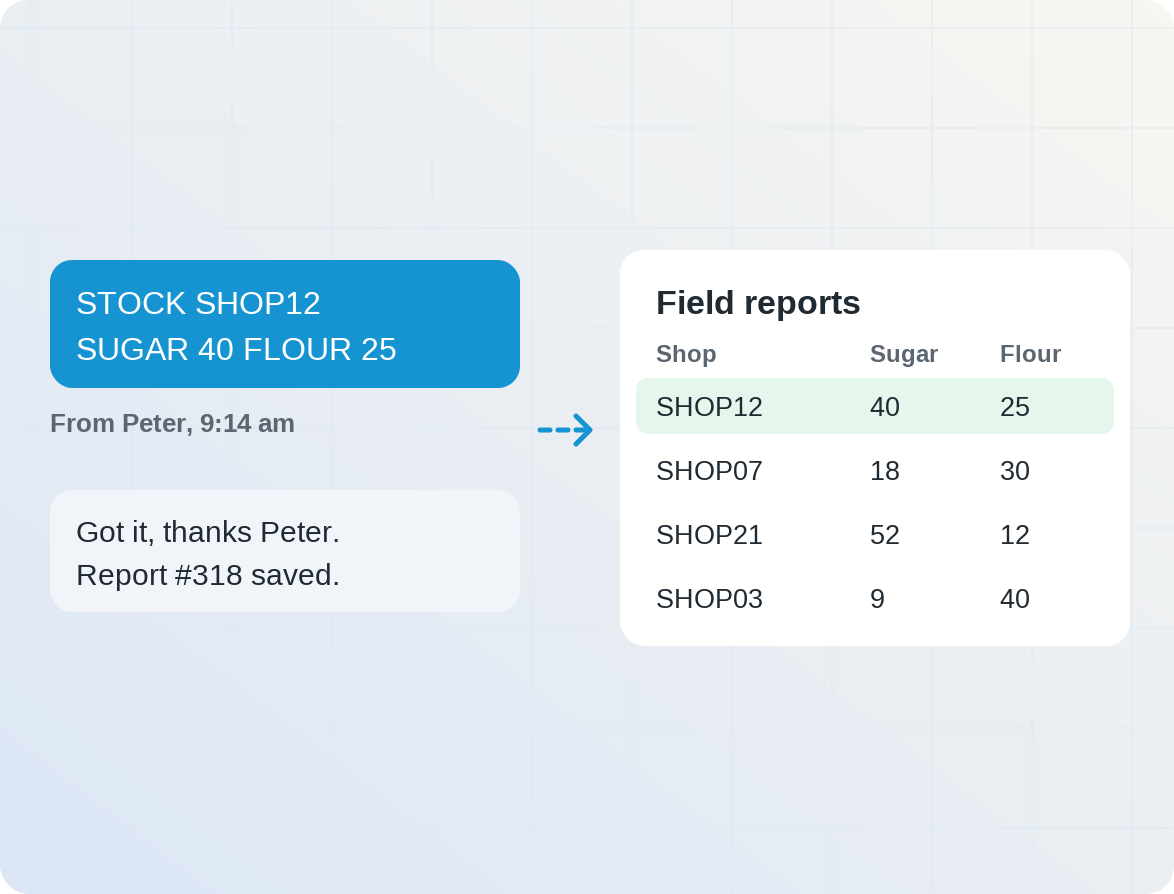
Staff can report stock levels, visits or incidents by texting a short code or keyword, answering an SMS survey, or filling in a USSD menu on any phone.
To collect multiple data points, you can use a single message that contains multiple data points in a structured format, or create a survey that sends a series of questions that staff answer one at a time.
Describe the reporting message format to AI Operator and it can automatically parse, validate, and save responses to a data table as they arrive.
Follow up automatically
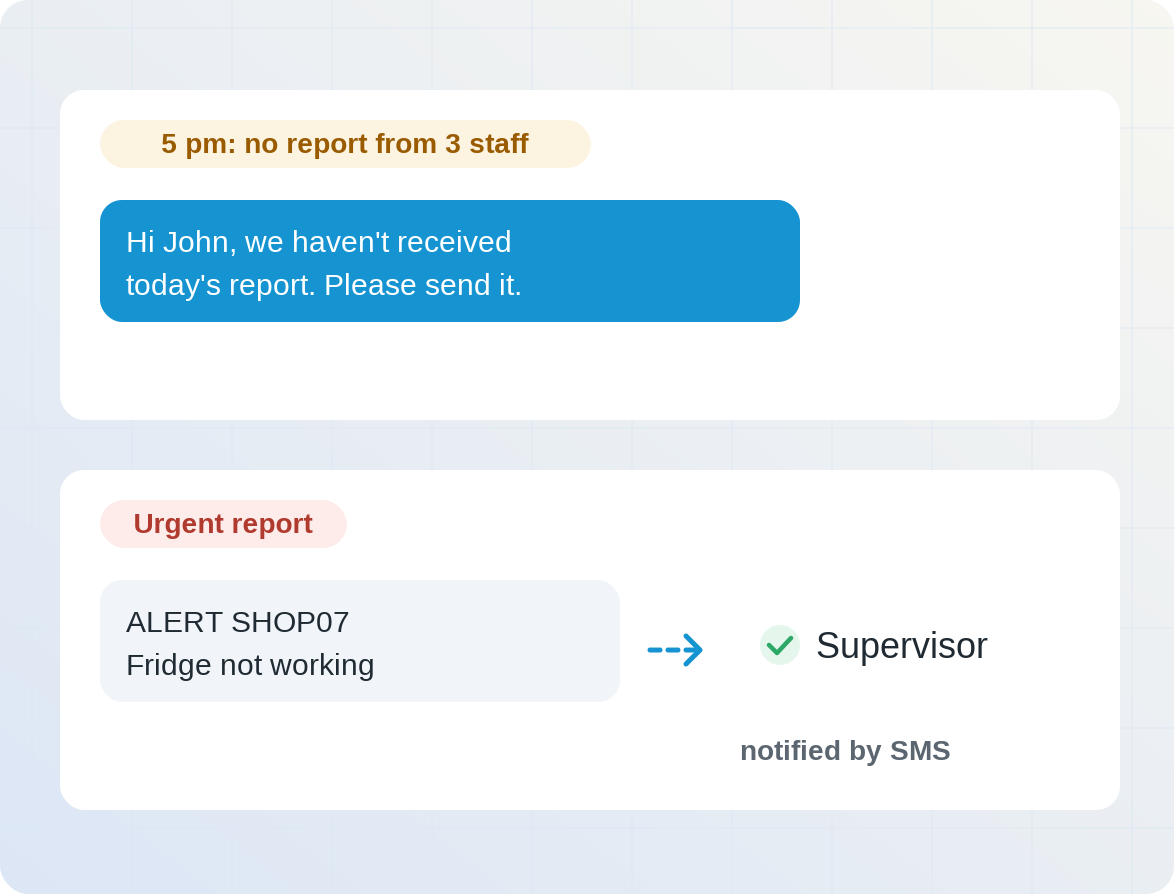
Remind staff who haven't sent their scheduled report, escalate urgent issues to a supervisor, and send each person a confirmation when their report is received.
Cover phone costs with airtime
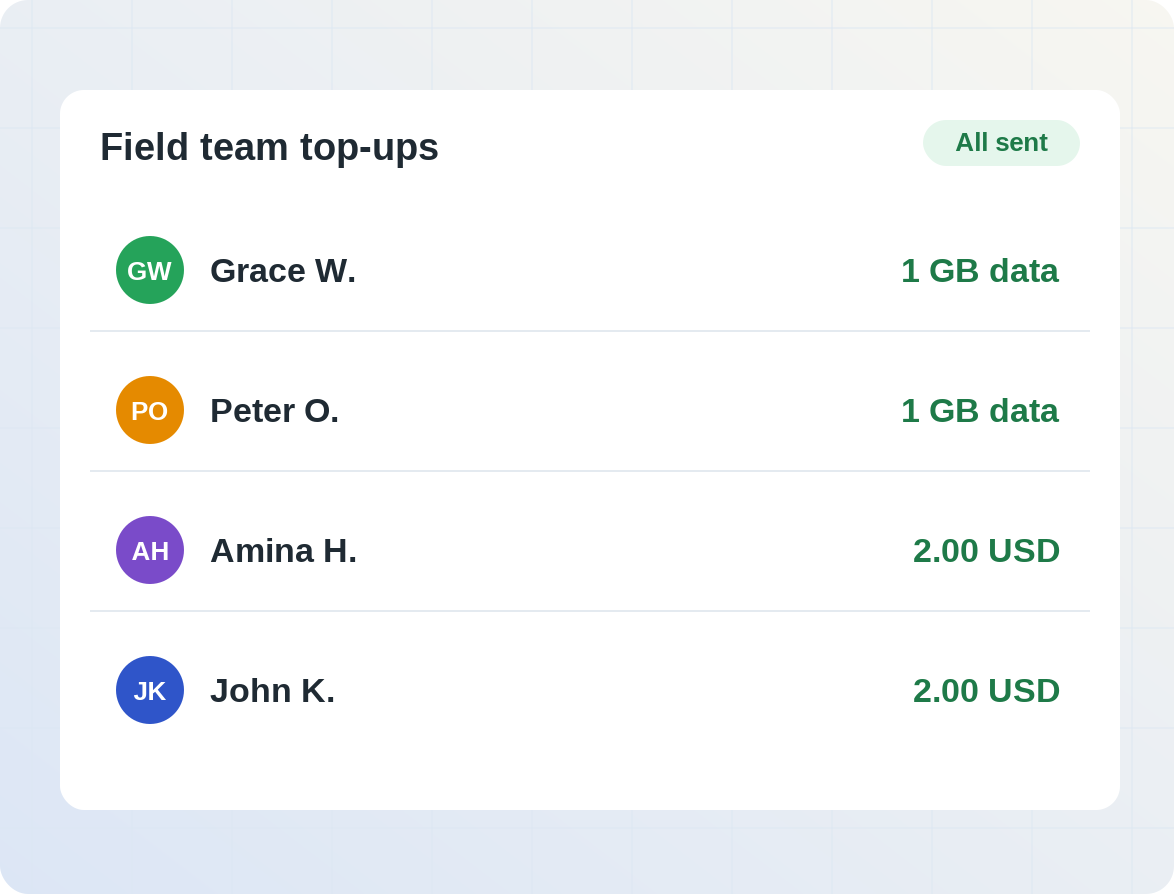
Send airtime or data bundles to staff so they don't need to pay out of pocket to do their work. Every transfer is recorded, so communication costs are easy to track.
Get started
Frequently asked questions
Do staff need to install an app?
No. Staff can receive messages and send reports by SMS or USSD on any mobile phone, including basic phones. WhatsApp and voice calls are also available.
Can staff send reports without internet access?
Yes. SMS and USSD work on any mobile network without mobile data, so staff can report from places with poor coverage.
Can reports go into our own systems?
Yes. The Webhook API sends each report to your system as it arrives, and data tables can be exported to a spreadsheet or read with the REST API.
Can managers see who received each message?
Yes. Telerivet shows the delivery status of each message and each person's replies, so you can follow up with anyone who hasn't responded.
Can different teams have separate workspaces?
Yes. Create a separate project for each team or country, each with its own contacts, numbers and team members.
How much does it cost?
You pay for your Telerivet plan plus message costs, which depend on the country and channel. If you use the the Telerivet Gateway app on an Android phone, messages are sent from your own SIM card at local rates. See Pricing.
More for operations
Logistics companies, health programs and NGOs use Telerivet to coordinate their teams.