Team inbox for SMS, WhatsApp, and more
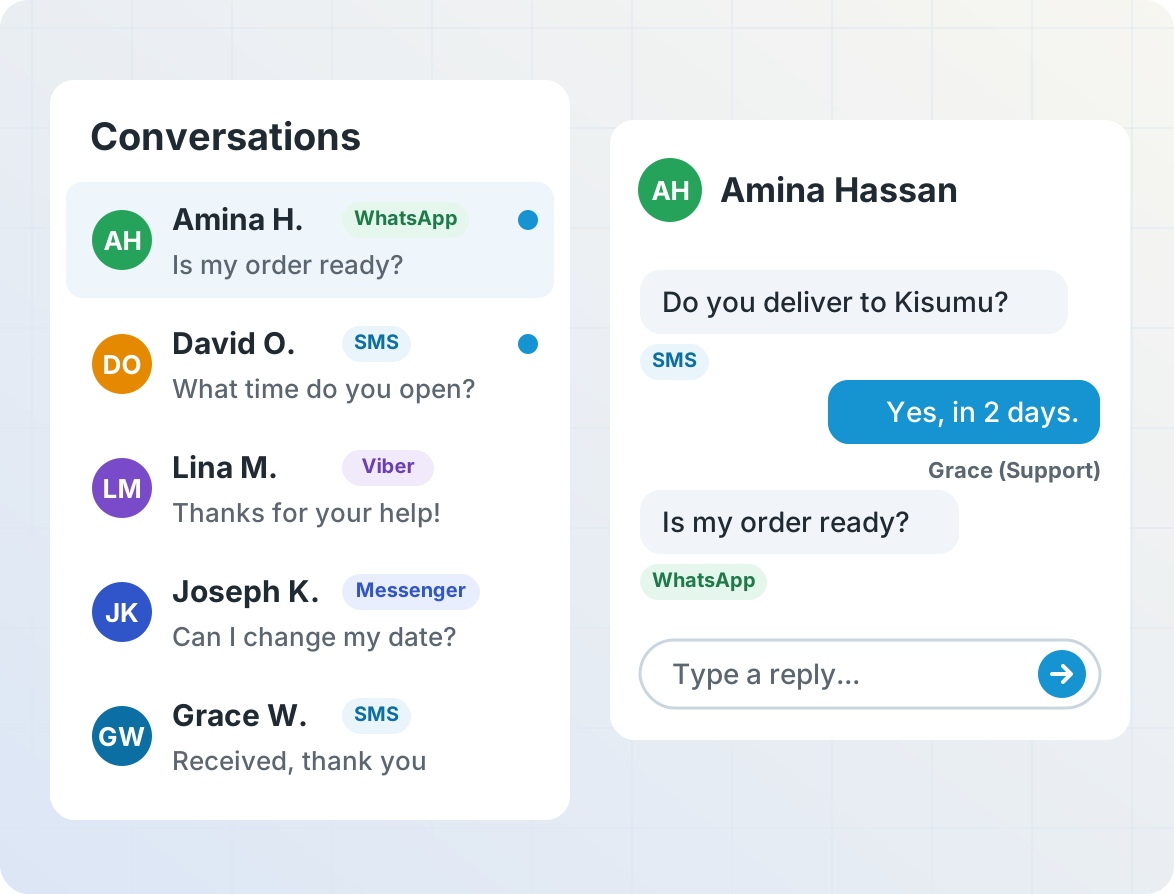
Your team sees every conversation as it happens, with each customer's full message history across SMS, WhatsApp, Messenger, Instagram, and Viber. Star or label messages that need attention, and give each team member only the access they need.
Answer common questions automatically
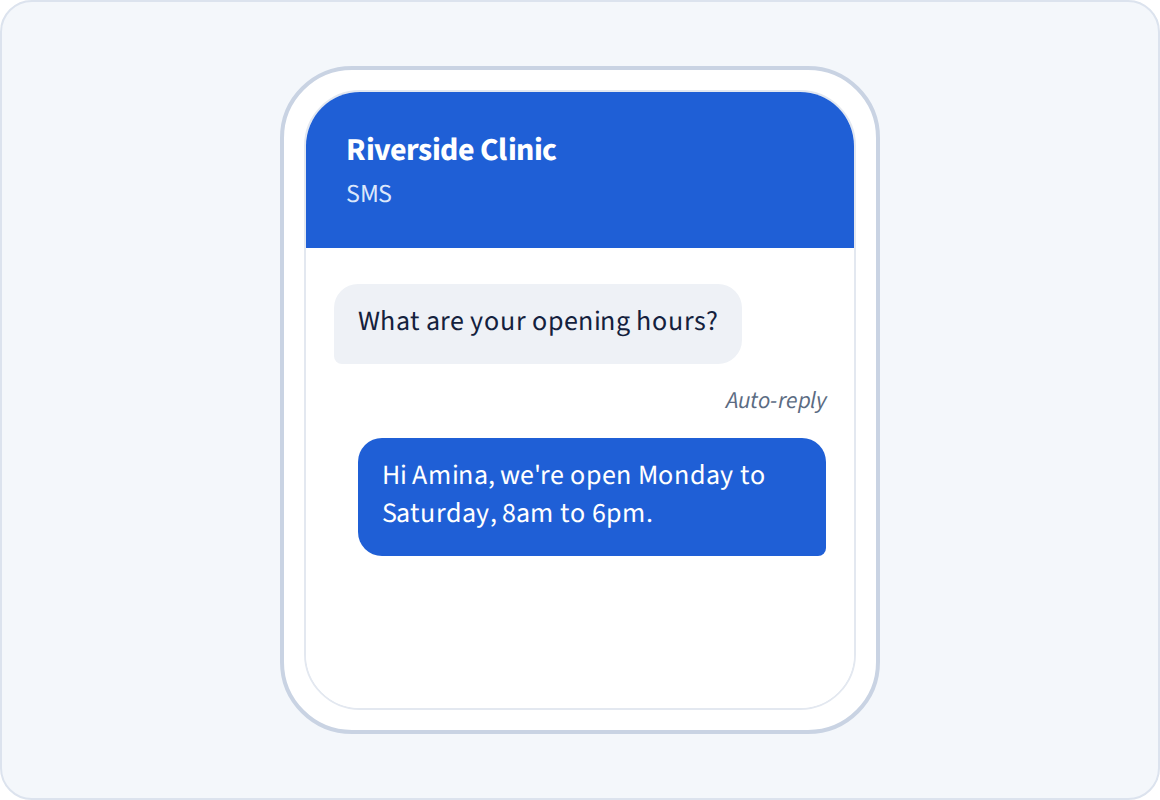
Reply instantly to questions like opening hours, order status or prices, using keyword rules or answers from your own systems. Let AI Operator help you configure the auto-replies and the rules behind them.
Telerivet can also notify staff by SMS or email based on keywords or the customer's details, and can confirm to the customer that someone will reply.
Send each message to the right team
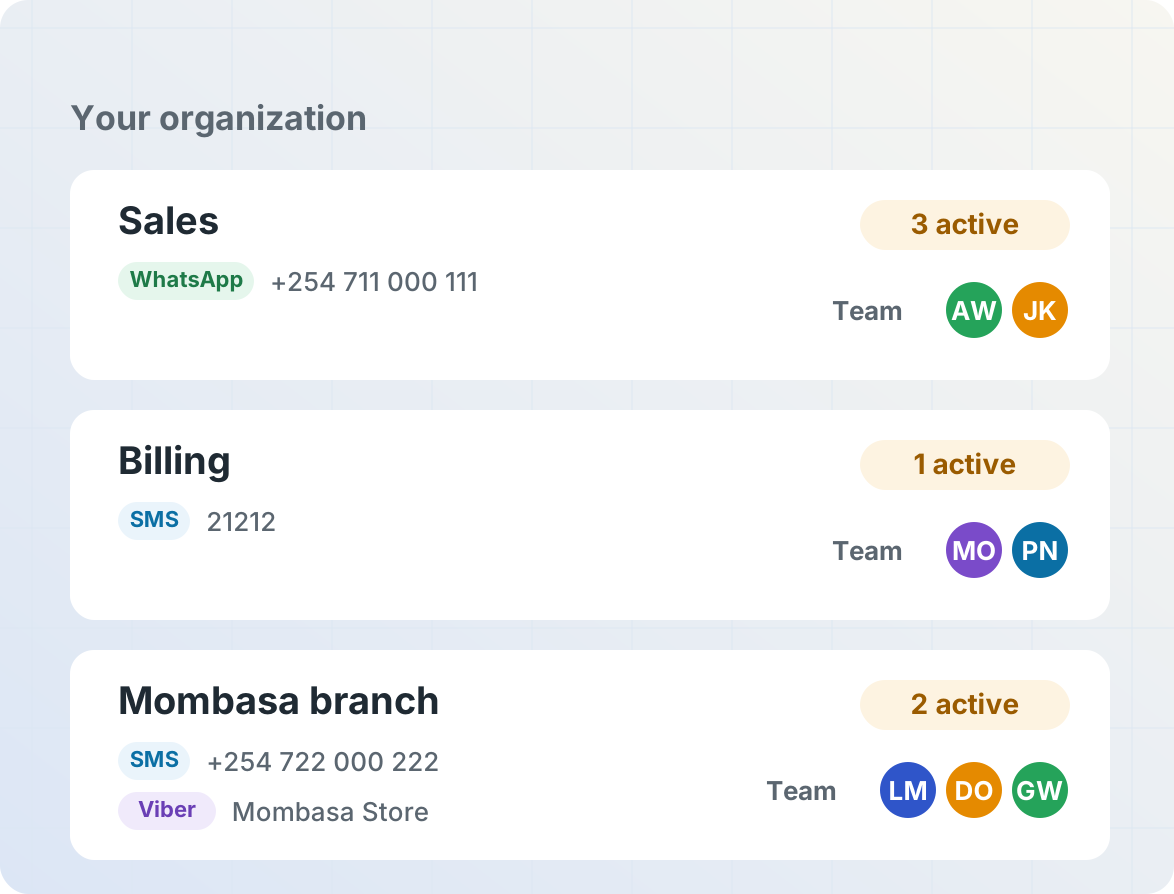
Give each team its own inbox: create separate projects for sales, billing or each branch office, connected to its own phone numbers, WhatsApp numbers or other chat app accounts, with its own contacts, auto-replies and team members. Each team only sees the conversations meant for them, while managers can work across every project in your organization.
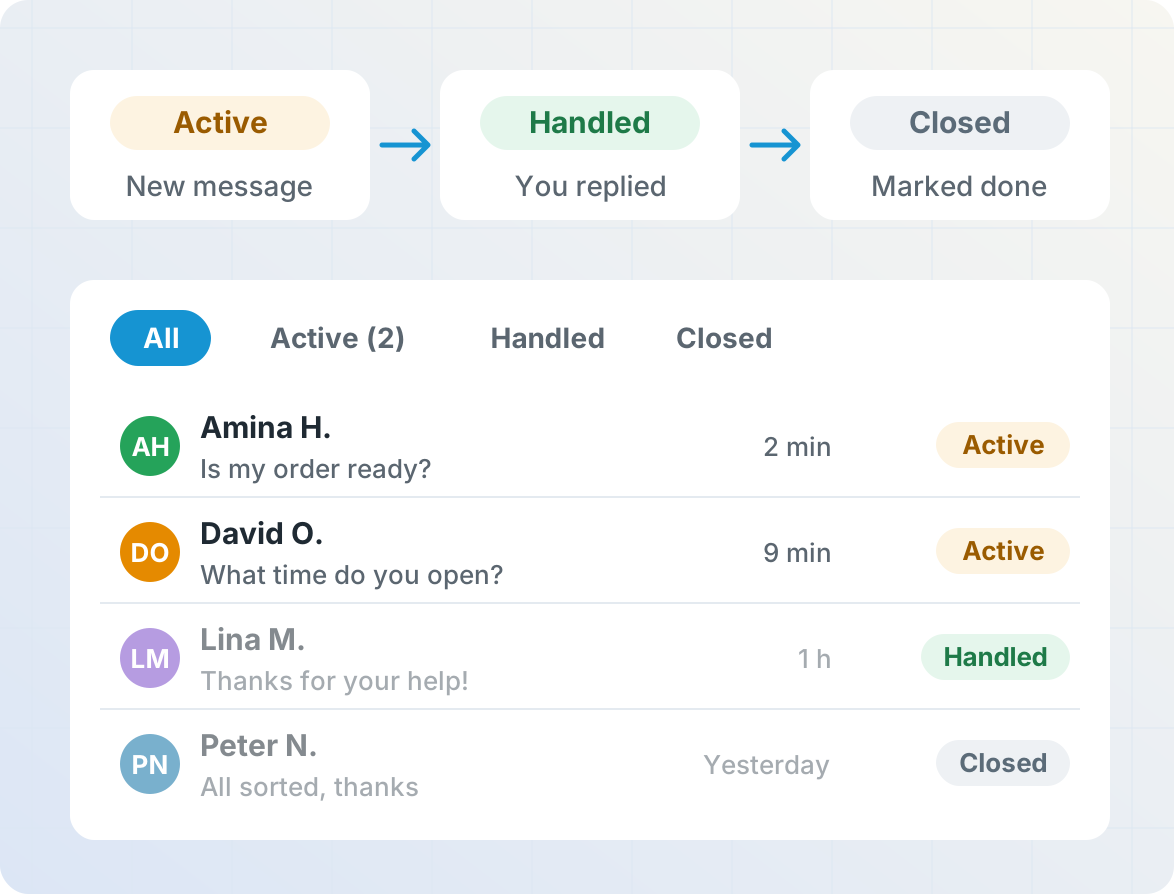
See which customers are waiting for a reply
Each conversation has a status, so nobody falls through the cracks. A new message from a customer marks the conversation Active, replying marks it Handled, and your team can mark it Closed when nothing more is needed. Filter the inbox to active conversations to see what needs attention next.
Work in Zendesk or HubSpot
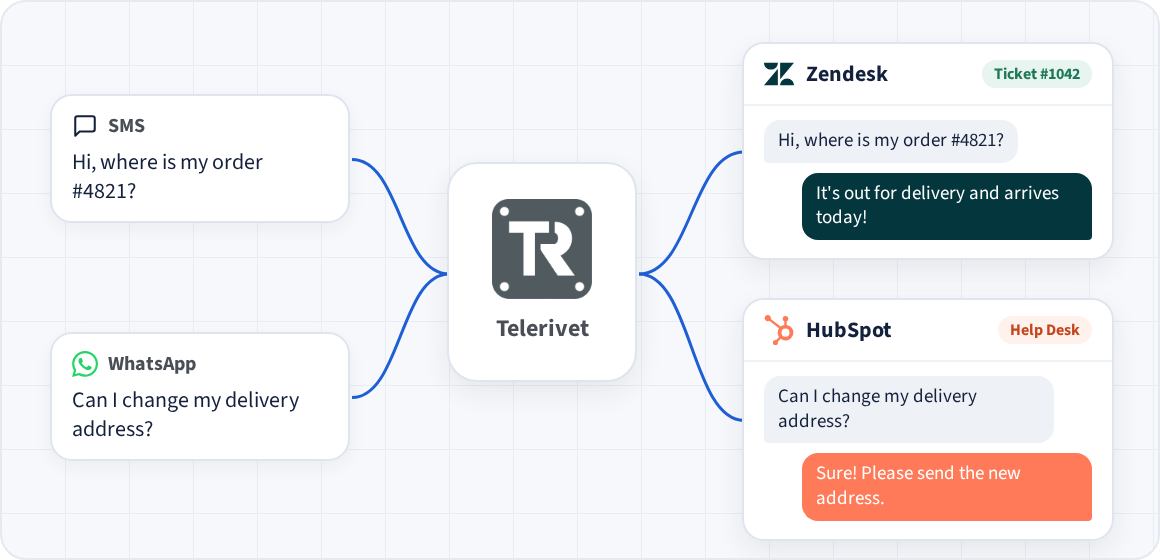
If your team already uses a help desk, you can keep working there. With the Zendesk integration, incoming SMS and WhatsApp messages become Zendesk tickets. With the HubSpot Inbox Connector, they arrive as conversations in HubSpot's Help Desk. Either way, agents' replies are sent back to the customer from the same number, in any country.
Connecting Telerivet to Zendesk or HubSpot makes it possible to use your own SMS connectivity (such as an Android phone with the Telerivet Gateway app), even if those platforms don't have built-in support for SMS in your country.
Get started
Frequently asked questions
Can several people answer from the same number?
Yes. Everyone on your team can see and reply to conversations from a shared number, and you can control what each person can access.
Can different teams have separate inboxes?
Yes. Create a separate project for each team, such as sales, billing or each branch office, and connect each project to its own phone numbers, WhatsApp numbers or other chat app accounts. Each project has its own inbox, contacts, auto-replies and team members, so each team only sees the conversations meant for them. Managers can have access to every project in your organization.
Can customers reach us on both WhatsApp and SMS?
Yes. Messages from WhatsApp, SMS, Facebook Messenger, Instagram and Viber all appear in the same inbox, grouped by customer.
Does it work with Zendesk or HubSpot?
Yes. The Zendesk integration turns incoming messages into Zendesk tickets, and the HubSpot Inbox Connector brings them into HubSpot's Help Desk as conversations. Agents reply from Zendesk or HubSpot, and the replies are sent from your Telerivet number.
Why use Telerivet if Zendesk or HubSpot already support SMS and WhatsApp?
Zendesk and HubSpot's built-in SMS and WhatsApp features work well in some countries, but connecting through Telerivet gives you more options:
- More countries. Zendesk and HubSpot only offer built-in two-way SMS in a limited set of countries. Telerivet supports two-way SMS in nearly any country, using local providers or the Telerivet Gateway app on an Android phone with a local SIM card.
- Lower messaging costs. Using local SMS routes or a provider you already work with can cost much less than the help desk's built-in SMS.
- Your existing number. Keep the phone number customers already know. With the Telerivet Gateway app, an Android phone with your current SIM card can send and receive messages for your help desk.
- More chat apps. Answer customers on channels like Viber that your help desk doesn't connect to directly, alongside SMS and WhatsApp.
Can I set up an after-hours reply?
Yes. Auto-replies can depend on the time of day, keywords or the customer's details, so customers always get an answer.
Can I connect it to our own systems?
Yes. Webhooks and the REST API let you look up orders or accounts and reply automatically, or sync conversations with your CRM.
Is customer data secure?
Telerivet is SOC 2 compliant and ISO/IEC 27001:2022 certified. See Security.
More for customer communication
Telerivet helps businesses talk with customers on the channels they already use.