Voice calls and IVR in Niue

Build IVR menus, send voice broadcasts and automated calls, run voice surveys, and handle incoming calls in Niue.

  • IVR menus
  • Voice broadcasts
  • Voice surveys
  • Inbound calls

A voice call with sound waves and an IVR keypad menu on a phone

Voice connectivity options in Niue

Connect Telerivet to the phone networks in in one of these ways:

Outgoing calls with a verified caller ID

Best for voice broadcasts and reminders

Send outgoing calls to Niue through Twilio, using your own verified phone number as the caller ID. Incoming calls aren't supported with this option.

Your own VoIP provider

Best if you already have a provider

Connect any VoIP provider or device with a SIP interface to send and receive calls in through Telerivet.

Android phone with a local SIM

Best for incoming call notifications

The Telerivet Gateway app can notify you of incoming calls to a local SIM card and log them in Telerivet. IVR isn't supported with this option.

Voice in Niue at a glance

Mobile networksTelecomCall any phone in Niue, on all networks.
Local phone numbersNot availableUse your own VoIP provider, or call out with a verified caller ID.
IVR for incoming callsWith your own VoIP providerAnswer calls with menus, recordings, call forwarding and voicemail.

Build IVR menus with AI

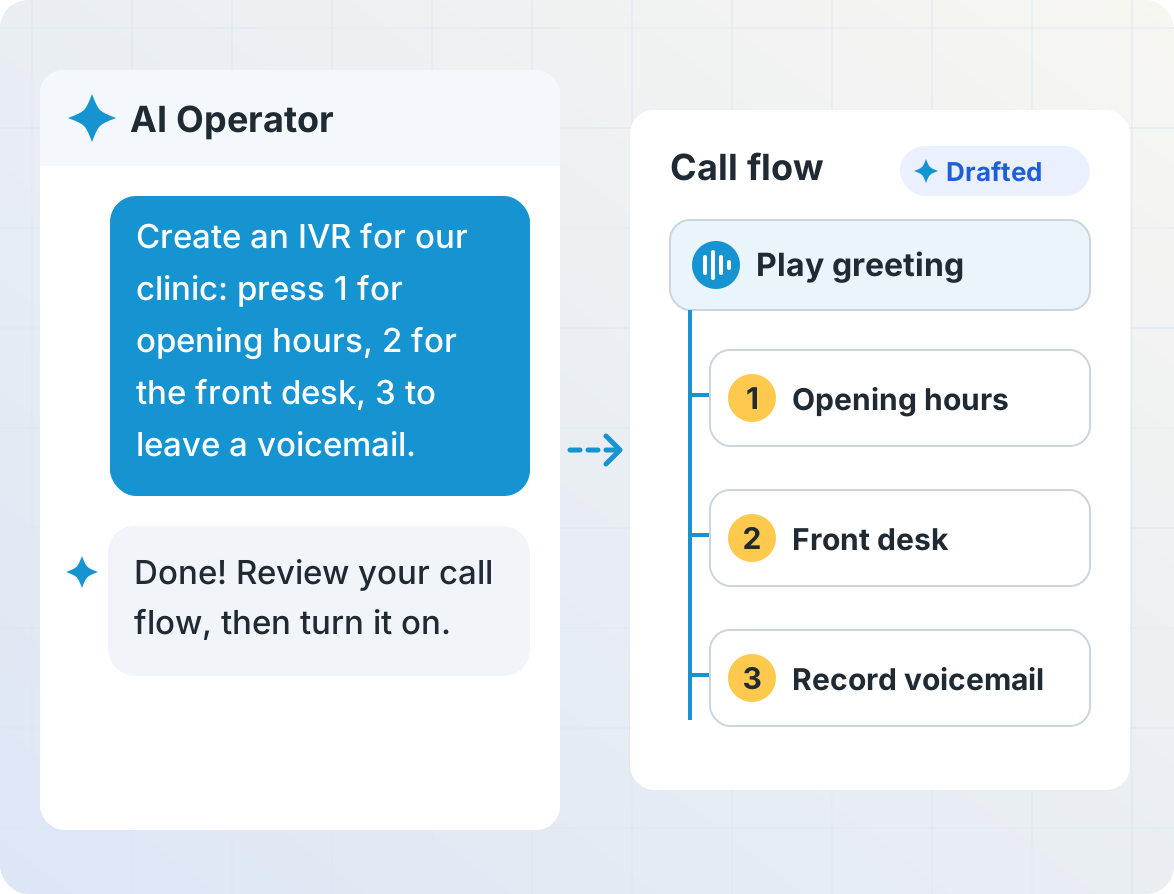
Describe the call flow you want in plain language, and AI Operator builds the IVR menu for you. Review and test it before it goes live, and fine-tune any step in the drag-and-drop call flow builder: greetings and text-to-speech, keypad options, call forwarding, voicemail and saved answers.

ivr_ai

A voice broadcast showing how many people answered and pressed 1

Send voice broadcasts

Call everyone in a group in with a recorded message or text-to-speech, right away or on a schedule. Ask people to press a key to confirm they heard it, and see who answered.

Run voice surveys

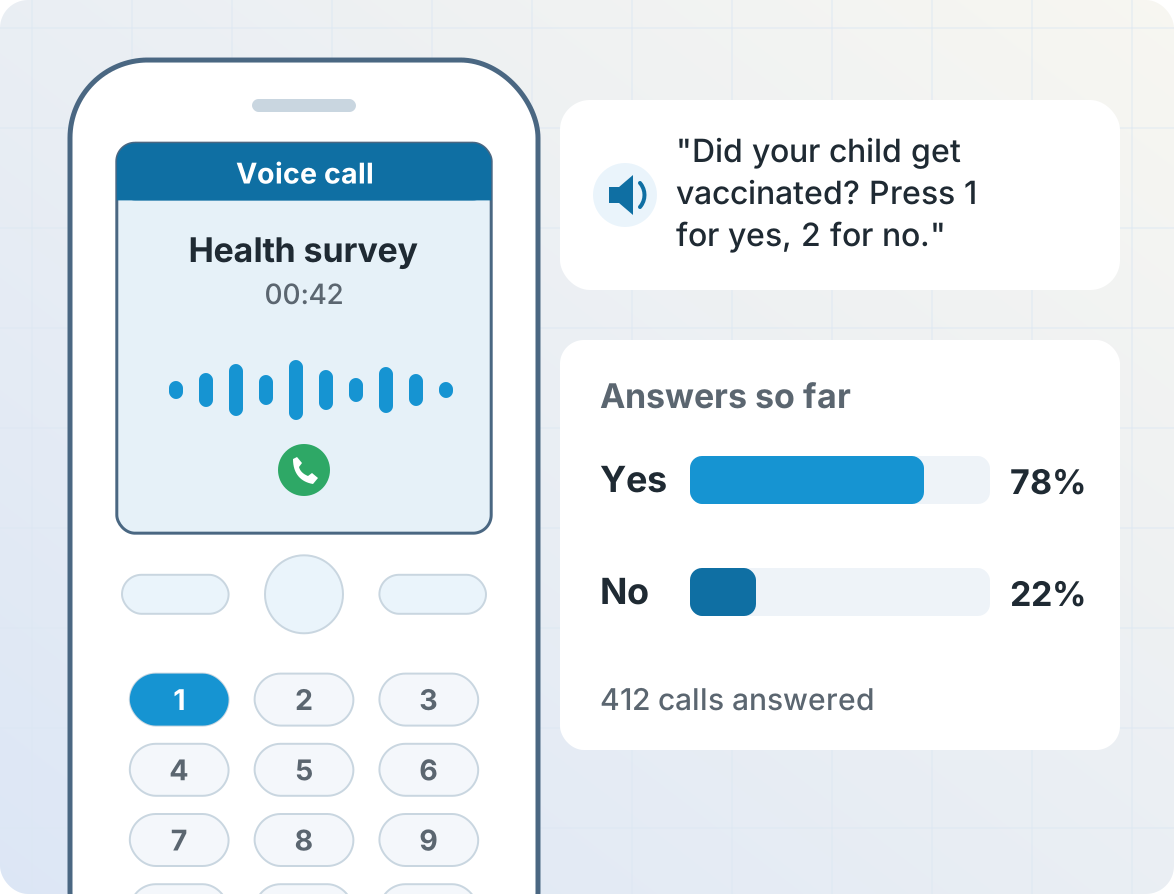
Ask questions by phone and collect answers from the keypad, for people who can't read or don't use text messages. Answers are saved in a table you can chart and export. Learn about surveys »

voice_survey

An incoming call forwarded to staff, with voicemail and an email notification

Handle incoming calls

Forward calls to your team, play a recorded message, take voicemail, or send an email notification for every call. Learn about voice and IVR »

Get started

  1. Create your accountSign up for a free Telerivet account in about a minute.
  2. Connect a phone numberRent a virtual number, or connect your own VoIP provider using one of the options above.
  3. Build your call flowCreate an IVR menu or voice broadcast in your browser, or describe it to AI Operator and review the draft.