AI for mobile communications that matter
Go from a prompt to a working setup in minutes, using the AI Operator built into Telerivet or the AI tools you already use.
AI Operator: Built right into Telerivet
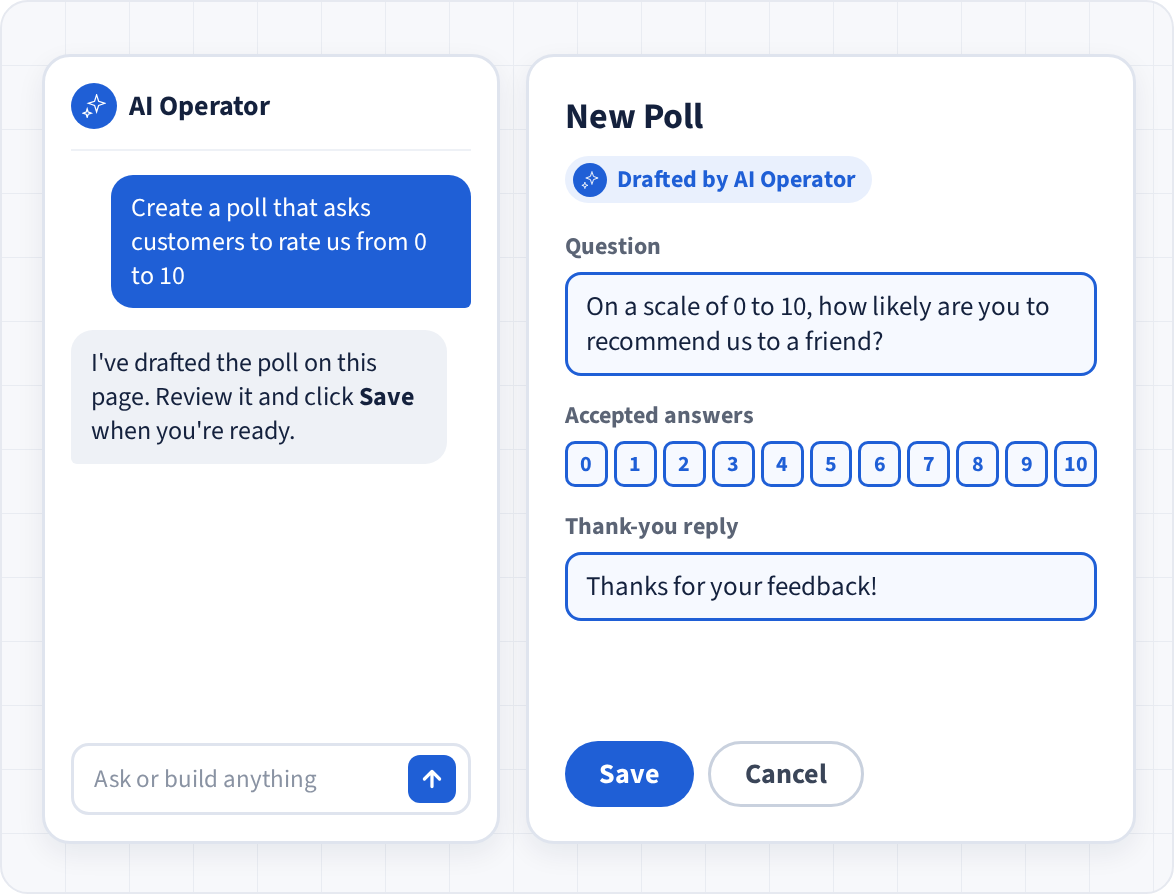
Describe what you need in plain language, and the AI Operator handles it in the Telerivet web app. It can draft messages and campaigns, build automated services and polls, organize your contacts, and analyze your results.
It works on the page you're viewing and fills in drafts for you to review. Nothing is sent until you approve it.
Bring your own AI
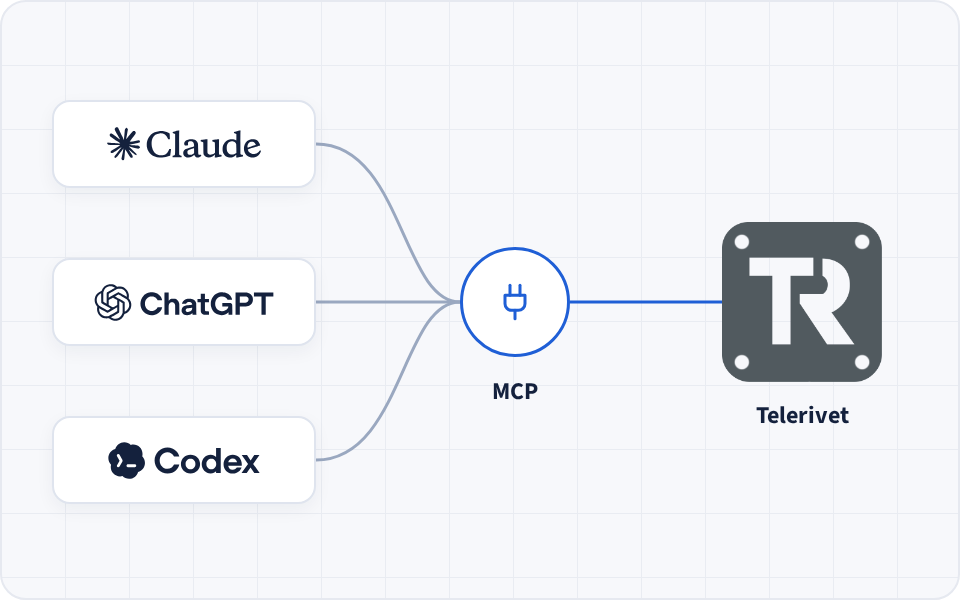
Connect ChatGPT, Claude, Claude Code, Codex, or any AI tool that supports MCP to Telerivet. Then your AI can send messages, look up conversations, check delivery and costs, and build campaigns and automated services for you.
Your AI can combine Telerivet with everything else it does, like drafting a message from a document you're working on or importing contacts from a spreadsheet.
Trust & Control:
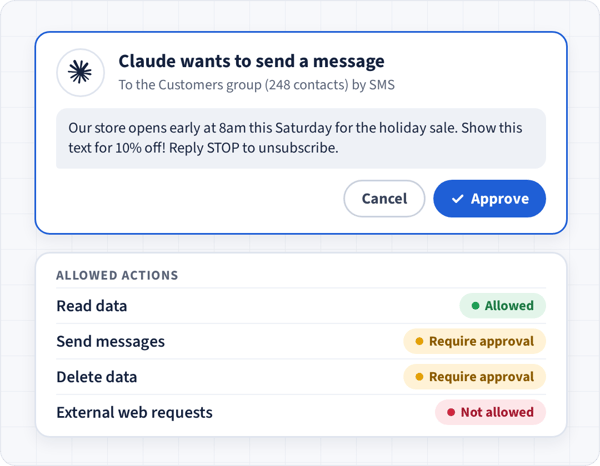
AI proposes. You approve.
Choose what each AI tool can do on its own. By default, sending messages and triggering automations requires your approval. Admins can tighten or loosen the guardrails per action, and each approval covers one exact request.
✓ Multi-level review
✓ Team permissions
✓ Full audit logging
Running a large-scale operation? Explore Telerivet Enterprise
How it works
Connect, describe, and go
Three steps from idea to a working setup. Use your own connectivity providers or ours, and connect the tools you already use.
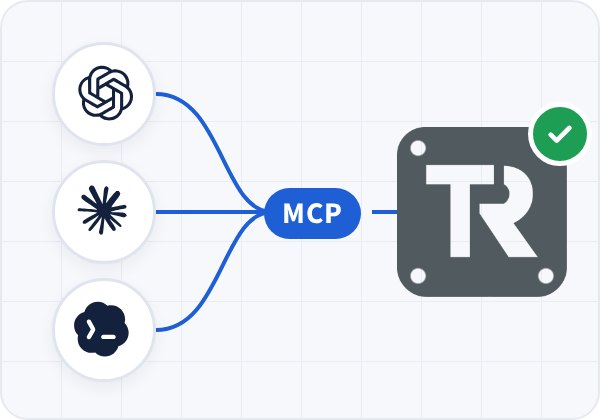
Link Claude, ChatGPT, Codex, or any AI tool that supports the Model Context Protocol (MCP). Or skip setup entirely and use the AI Operator, built right into Telerivet.
Connect via MCP »
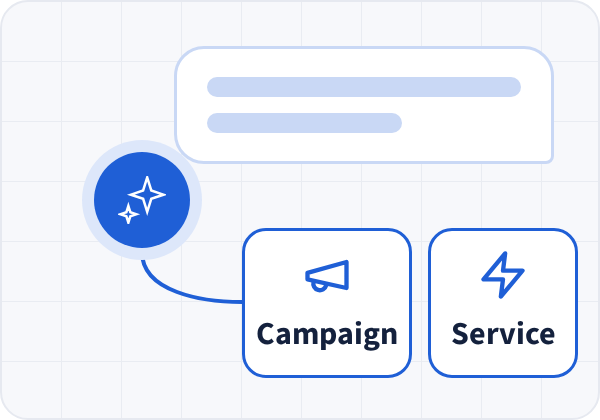
Say what you need in plain language, and your AI tool works out the right channels, solutions, and configuration.
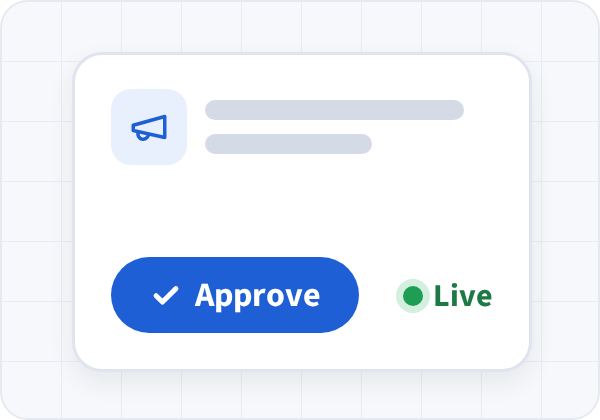
The AI composes the campaigns, automations, and configuration. Nothing sends without your sign-off.
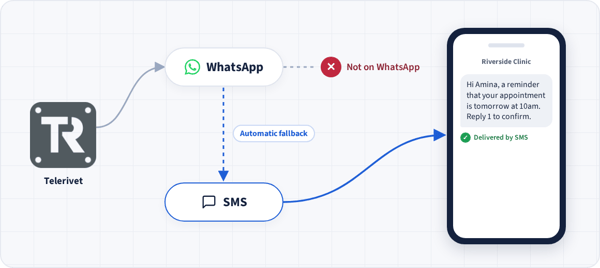
Use Cases
What you can build
Everything the AI sets up is a regular Telerivet campaign, route or service, so your team can see it and change it in the dashboard.
Reach people and improve engagement
Configure campaigns, contact segmentation, and multi-channel fallback logic. Increase engagement with keyword-based automation, survey flows, and reward distribution.
Find the best route
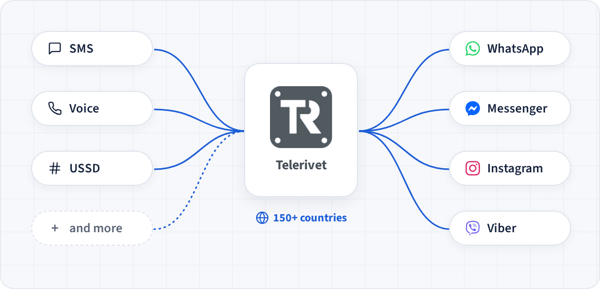
Quickly discover the channels and connectivity providers available in 150+ countries. Ask the AI to compare options, check requirements, and help you set up the right route.
Trigger the right message at the right moment
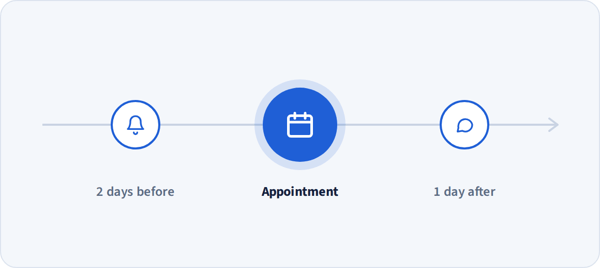
Appointment reminders, payment confirmations, safety alerts, delivery updates and more. With multi-channel routing and failover logic, reach people on the channel that works where they are.
Automate two-way conversations
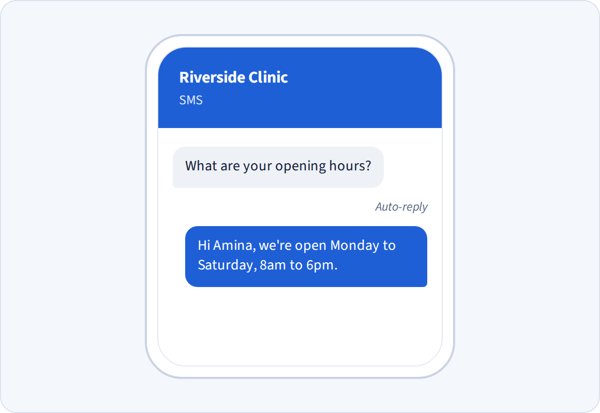
Build automated customer support, onboarding flows, and auto-replies that respond to people in real conversations over SMS, WhatsApp, Viber, voice, and more.
Write in your contacts' language
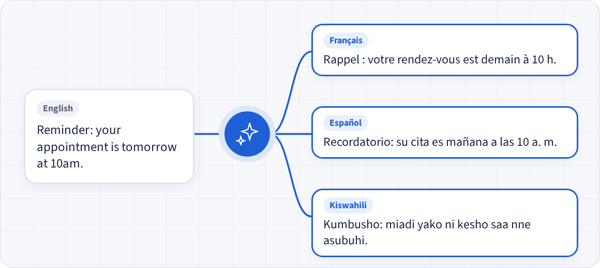
Ask the AI to draft or translate messages in the languages your contacts speak, from French and Spanish to Swahili and Hindi. Review each version before it goes out, and reach every audience in words they understand.
FAQ
Frequently asked questions
Is my data used to train AI models?
AI Operator: No. The AI Operator runs on models hosted by Fireworks AI, which doesn't use your data for training and doesn't log or store your prompts or the AI's responses. Prompts may be cached briefly in memory, for a few minutes, to speed up responses. Your AI Operator conversations are stored in your Telerivet account, like the rest of your data.
Your own AI tools: When you connect an AI tool such as ChatGPT or Claude, the Telerivet data it reads is handled under that AI provider's policies, including whether it may be used for training. Check your provider's data and privacy settings.
Can AI send messages without my approval?
AI Operator: No. The AI Operator always asks for your approval before sending messages, triggering services, or deleting data, and each approval covers one exact request.
Your own AI tools: Not by default. Sending messages, triggering services, and deleting data require approval unless an organization administrator chooses to allow them.
Either way, your project's Message Review rules still apply.
What can the AI access?
Only what your own Telerivet user account can access. Administrators can restrict which permissions the AI can use, choose which users can use the AI Operator, and must approve each external AI tool before anyone in the organization can connect it. Access can be revoked at any time.
Do I need to know how to code?
No. Describe what you want in plain language. The AI can even write Cloud Script code for you, so anyone can build advanced custom automations.
Which AI tools can I connect?
ChatGPT, Claude, Claude Code, Codex, and any other AI tool that supports MCP. Telerivet is available in the ChatGPT app directory and listed in the official MCP Registry. See setup instructions »
How much does it cost?
The AI Operator and MCP access are included on all Telerivet plans. Your plan's daily API request limits apply. See pricing »
Can I turn the AI Operator off?
Yes. Organization administrators can disable it for everyone, or limit which users can use it.